Editorial method: Sponsored
Symphony by Wix: How to Use an AI Team for Everyday Small-Business Work
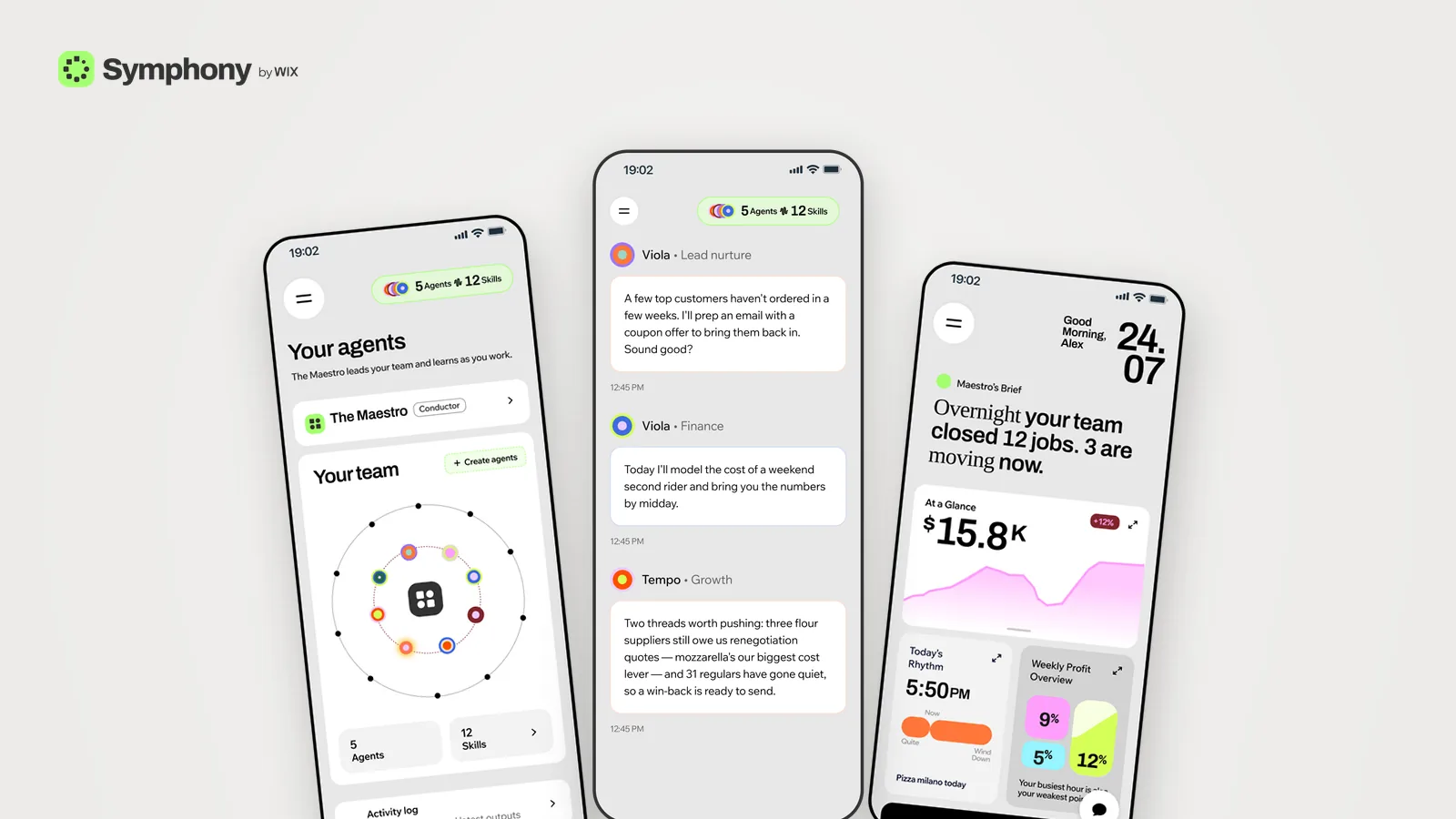
A repeat customer has gone quiet, Friday’s social post still needs a caption, and nobody has checked whether next week’s discount will eat the margin. Those are three different jobs. For an owner running the inbox, the shop and the calendar, they often pile up in the same hour.
Symphony by Wix brings those requests into one chat with Maestro, which assigns work to specialist AI agents. Start with one low-risk draft. The workflows below show what to ask for, which details to check and when to stop short of letting an agent act.
In short
- What it is: an AI agent platform from Wix for independent business owners and small teams. You chat with Maestro; Maestro delegates to specialist agents and asks for your approval before important actions.
- Who it suits: owners who spend hours each week on follow-ups, content and promotions, and who already use a calendar, an inbox and tools such as Slack, a CRM or Shopify.
- What it costs: there is a free plan with 500 AI credits a month (up to 100 a day). Paid plans add 2,000, 5,000 or 12,000 monthly credits. Prices are shown in your local currency on the Symphony pricing page.
- What stays with you: deciding what agents may do on their own, approving messages and spending, and checking every AI output before customers see it.
What Symphony by Wix is
Symphony is a standalone Wix product. Wix’s help center calls it a growth engine for small businesses that builds “a unique team of AI agents for your business” which you manage from one chat (Symphony: An Overview).
A few practical facts from Wix’s documentation:
- You need a Wix account, not a Wix website. The account is created for you when you start. If you already have a Wix site, you can log in with that account and let Symphony see the site.
- It runs on the web and on phones. You can start at symphony.wix.com, and there are apps for iOS and Android.
- It connects to the tools you already use. Wix names calendars, your email inbox, productivity tools, Slack and Salesforce, and you connect them by asking Maestro.
- Shopify stores can connect too. Wix says the Shopify connection runs through Rise, its tool for linking outside platforms, and that one account can manage more than one Shopify store (Symphony for Shopify).
How the AI team works
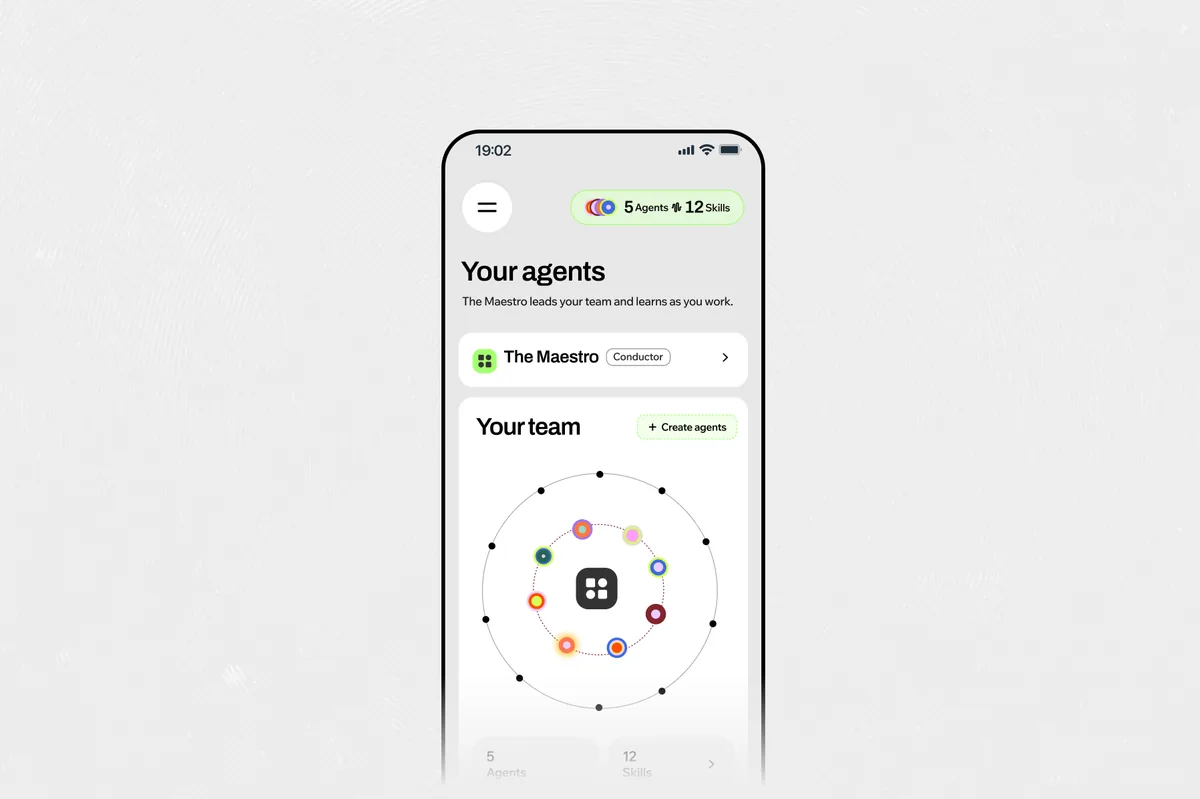
You do not manage each agent separately. You talk to Maestro, and Maestro decides which agent should do what.
- You describe the business and the goal. In plain language, in the chat: what you sell, who your customers are, what you want done.
- Maestro plans and delegates. It turns the request into tasks and hands each one to the agent that owns that area of work.
- Agents prepare the work. They draft, research, schedule or calculate, using the tools you connected and the context you gave.
- You approve what matters. Wix describes an approval step for important actions. Check the permissions and approval settings for each connected workflow before relying on them.
- You get a summary. A daily morning brief, weekly wins and an activity log show what happened and what needs attention.
Wix’s help center lists the areas the built-in agents cover:
| Agent area | What Wix says it does | Where it helps in this guide |
|---|---|---|
| Outreach | Reaches out to your clients and contacts for you | Customer follow-up |
| Marketing | Creates and runs marketing campaigns | Social content, campaign planning |
| Scheduling | Books and manages appointments and meetings | Customer follow-up |
| Research | Finds new growth opportunities | Campaign planning |
| Finance | Keeps on top of invoices and payments | A business week |
| Design | Creates branded content | Social content |
You can also create custom agents when the built-in ones do not cover a job. Every agent draws on AI credits for its background work, such as running a task or contacting someone, so a busier team uses more credits.
Workflow 1: customer follow-up
Example, not a real customer
The situation. A small online shop notices that a few loyal customers have not ordered for a while. The owner knows they should get in touch, but it keeps slipping.
What you ask Maestro. “Find customers who used to order every month and haven’t ordered in six weeks. Draft a short, friendly email with an offer to bring them back, and show it to me before anything is sent.”
What Symphony can prepare. The Outreach agent works on contacting clients, and Wix’s own app images show an agent proposing exactly this kind of win-back email and asking “Sound good?” before going ahead. With a calendar connected, the Scheduling agent can also handle meetings or appointments that come out of the replies.
What you check. Ask for a table with the last order date and the reason each recipient qualified, plus one draft email. Check the list against your store data and exclude anyone who opted out. Approve the offer and test the draft on an address you control before sending to customers.
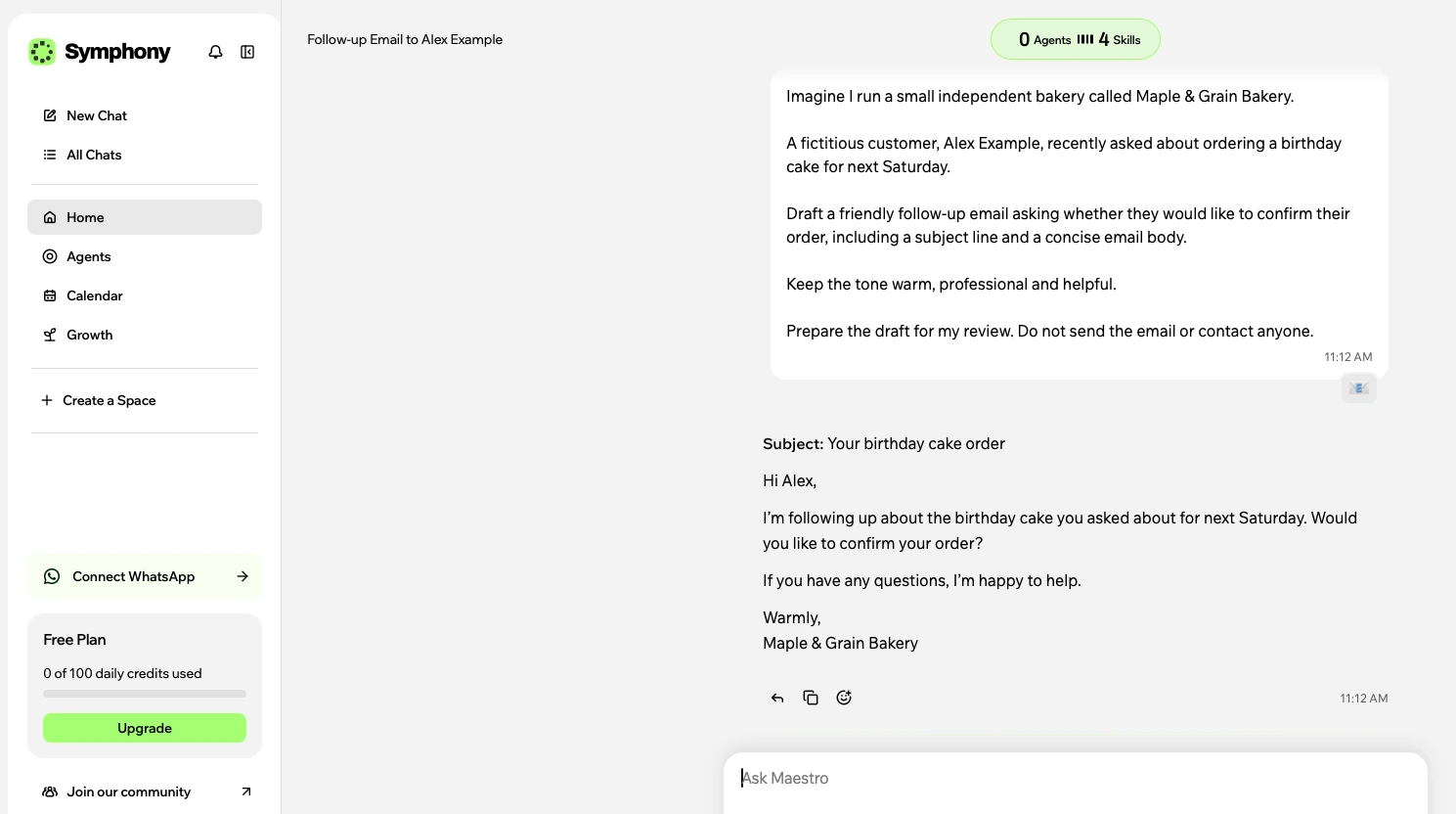 Open the larger screenshot
Read the draft text
Subject: Your birthday cake order
Hi Alex,
I’m following up about the birthday cake you asked about for next Saturday. Would you like to confirm your order?
If you have any questions, I’m happy to help.
Warmly,
Maple & Grain Bakery
The Free Plan screen showed zero agents and four skills. This example demonstrates a text draft in Maestro. For a live workflow, separately review who can send, what data the connection can access and what needs your approval.
Want to try a similar workflow? Try Symphony for free.
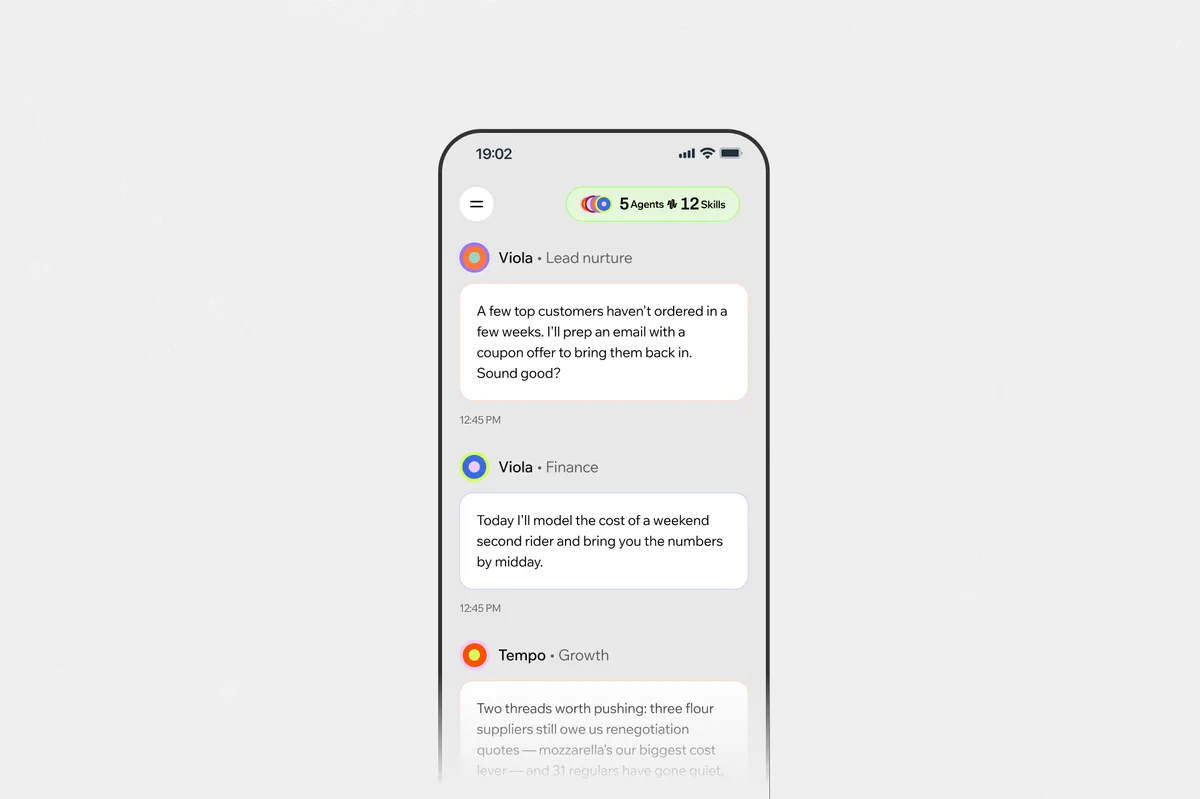
An agent preparing a message is not the same as an agent sending it. Wix says approvals are built into the flow “for anything that matters” and that you set the boundaries Symphony works within (pricing FAQ). Wix’s Shopify guide gives a concrete example: decide upfront what an agent may do on its own and what needs your approval, such as refunds above a certain amount (AI agents for Shopify). Set those limits before you connect your real inbox and customer list.
Workflow 2: social content
Example, not a real customer
The situation. A Shopify merchant wants to post more consistently before the holidays but never has a plan ready.
What you ask Maestro. “Plan two weeks of Instagram and Pinterest posts for our three best-selling products. Use our brand tone, suggest images and captions, and give me the plan to approve.”
What Symphony can prepare. The Marketing and Design agents cover campaigns and branded content. Wix’s Shopify guide describes agents building a posting plan, drafting short video scripts per product and preparing Pinterest and Instagram content.
What you check. Ask for one row per post: channel, publish date, product, caption and asset needed. Check product claims, prices, offers and image rights against the actual listings. Leave everything in draft until the calendar and assets agree.
The value here is less the individual caption than the plan: one place where the promotion, the products and the posting schedule fit together. That is also where human review matters most, because one wrong price or claim in a scheduled post repeats across every channel.
Workflow 3: campaign planning
Example, not a real customer
The situation. A local business wants a small December promotion: a discount for returning customers, an email, a few posts and a note on the website.
What you ask Maestro. “Help me plan a two-week December promotion for returning customers. Suggest the offer, the timing, an email and the social posts, and tell me what it will involve before you start.”
What Symphony can prepare. The Research agent looks for opportunities, the Marketing agent creates and runs campaigns, and for Shopify sellers Wix says you can set a promotion once and agents carry it across email, social and your store. On its homepage Wix also describes agents creating discount codes and switching them on and off for a sales event.
What you check. Write down the eligible products, minimum order, margin floor and local start and end times. Compare those four rules against the email, social copy and store promotion. Open the store’s preview and check a qualifying and an excluded basket before approving publication.
A week with an AI team
What could this look like over a normal week? The plan below is an illustration we put together from the features Wix documents. It is not a record of a real business, and every item marked “you” stays with the owner.
| Day | Symphony prepares | You |
|---|---|---|
| Monday | Morning brief: open requests, confirmed meetings, what needs attention | Pick this week’s priorities in the chat |
| Tuesday | Follow-up drafts for quotes that went quiet; meeting slots from your calendar | Approve or edit the messages |
| Wednesday | A posting plan and captions for the week’s promotion | Check products, prices and tone |
| Thursday | An overview of unpaid invoices and payments | Decide which reminders go out |
| Friday | Weekly wins and a short plan for next week | Adjust the routines for next week |
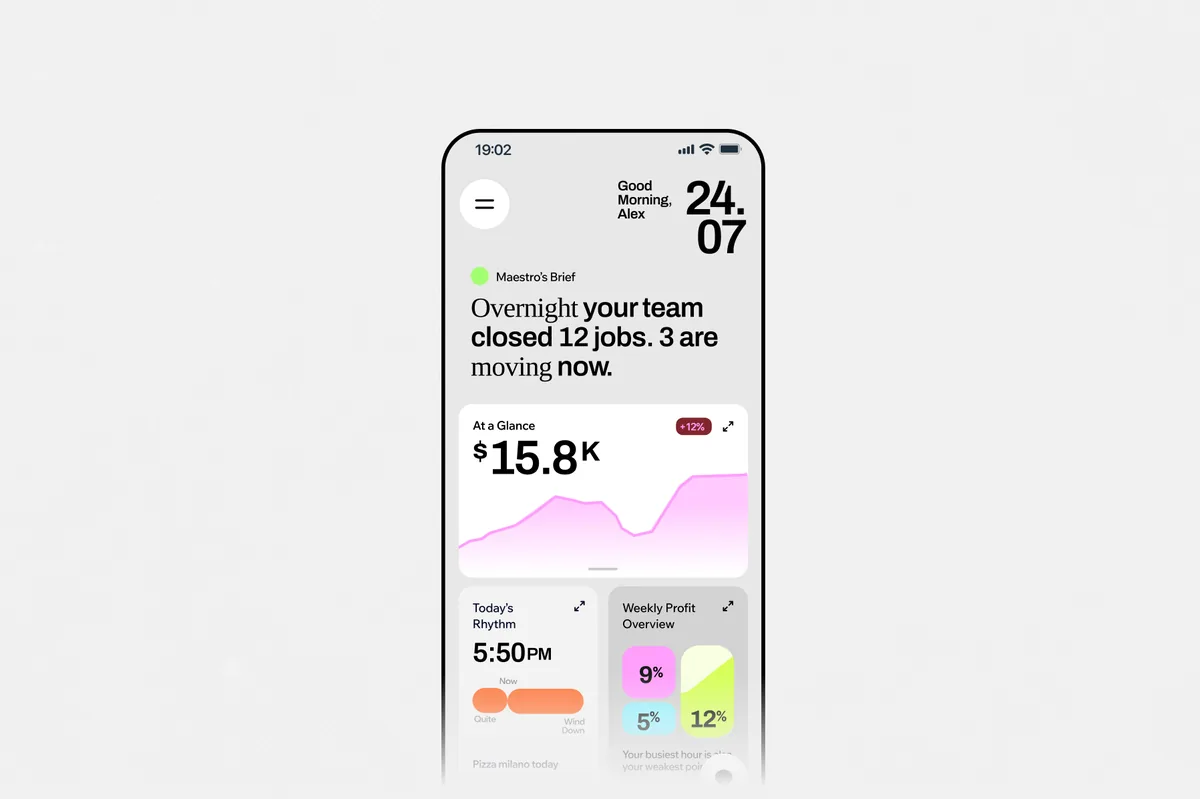
Recurring work such as this can be set up as routines. Wix says you can change a routine or suggest a new time by chatting with Maestro, and track open and completed tasks in the app.
Is Symphony a good fit?
Likely a good fit if you:
- run a small business alone or with a small team (Wix’s Shopify guide mentions teams of up to ten people);
- lose time on follow-ups, posts, promotions and admin rather than on one specialist task;
- already work in a calendar, an inbox and tools such as Slack, a CRM or Shopify;
- are willing to set limits and review what agents prepare.
Probably not the right first step if you:
- need one deep specialist tool, such as a help desk or an email platform with advanced automations, rather than coordination;
- cannot spend time reviewing outputs and approvals in the first weeks;
- need guarantees about specific results. Neither Wix nor we can promise more sales or time saved.
If you mainly need deterministic automations between apps, our comparison of ChatGPT Work, Zapier and Make covers that decision. For store-specific tools, see the best Shopify AI tools, and for other agent platforms our look at Parallel AI for small-business teams.
Limits and what you should review
- AI output can be wrong. Wix’s own help center says it cannot guarantee the quality, accuracy or relevance of AI-generated output and asks you to review everything before you use or share it.
- Approvals are your safety net, so configure them. Wix describes approvals for important actions, but which actions run on their own depends on the boundaries you set. Start with approval required for anything customer-facing, financial or public.
- Credits limit the work. Background work uses AI credits, the amount depends on the task and the tool, and unused credits do not roll over. When credits run out, agents pause until they renew or you upgrade. On the free plan, chatting with Maestro also uses credits.
- Integrations depend on your plan. Wix says the free plan works across “a few integrations” and higher plans across more of your tools. Check that the tools you rely on are supported before you commit.
- Shopify details. Wix’s materials describe agents creating products, reading orders and checking the catalogue. Before connecting a live store, confirm in the app which permissions you grant and keep approvals on for changes to products, stock, orders, prices and customer messages.
- Data. Wix says your information and conversations are protected and that you keep control over them. Its general privacy policy applies. Think about which customer data you connect, and do not connect accounts you are not allowed to share.
How to get started
- Sign up for the free plan. On the web or in the iOS or Android app, with email, Google, Apple or Facebook. Wix asks you to verify your phone number.
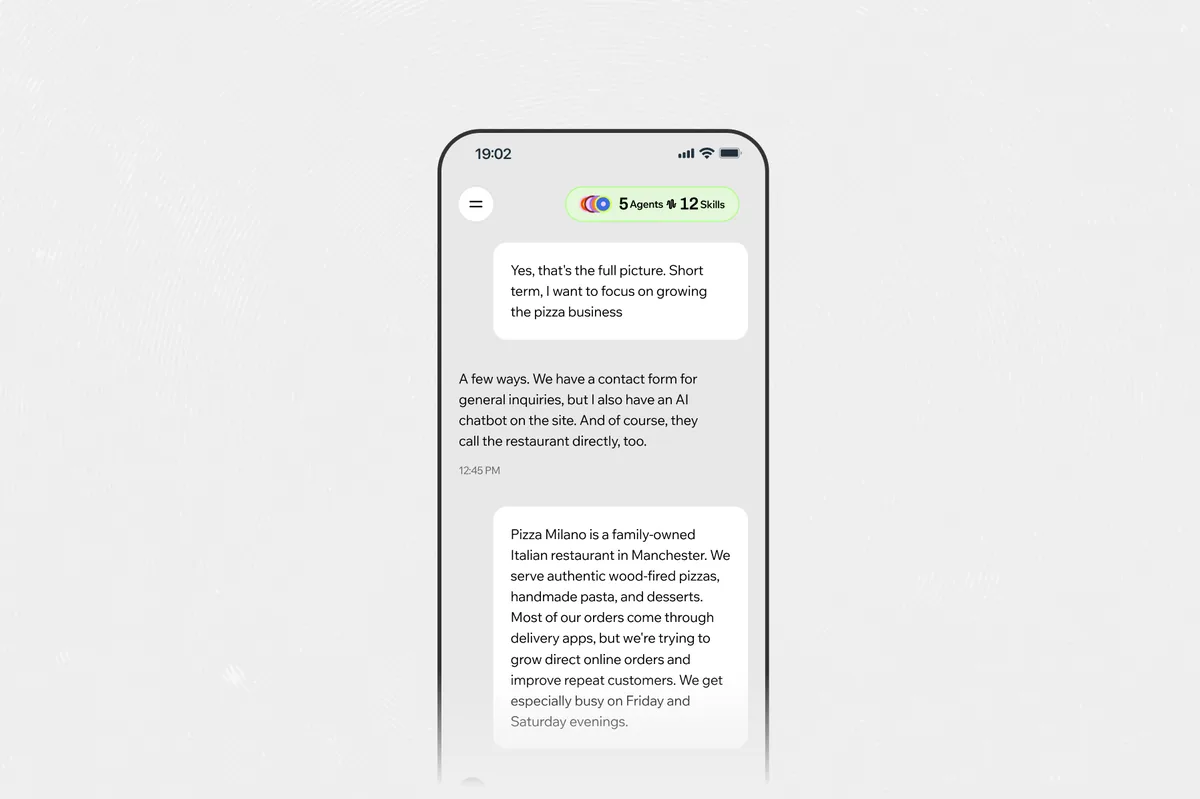
- Answer Maestro's questions about your business. Your answers decide which agents Symphony builds for you.
- Review the summary. You approve it before the agents start working.
- Connect one or two tools first. Start with a calendar and inbox, or use the Shopify connection via Rise. Read the permission screen before connecting a store, and start with a draft or read-only task.
- Start with one reversible workflow. A follow-up draft or a content plan you approve by hand. Widen the agents' freedom only when you trust the results.
Steps based on Symphony: Using the App and Choosing a Plan.
Plans at a glance
| Plan | Monthly AI credits | Notes from Wix |
|---|---|---|
| Free | 500 (up to 100 a day) | “A few integrations”; chatting with Maestro uses credits |
| Basic | 2,000 | More tools; chatting with Maestro is free |
| Pro | 5,000 | Your entire toolstack; extended agent activity |
| Max | 12,000 (30,000 with Max+) | Deep agent activity; priority support |
Plan details from Wix’s plan guide, checked 25 November 2026. Wix shows prices in your local currency, excluding tax, and gives a 20% discount for yearly billing; check the pricing page for the current amounts. Wix says a subscription cancelled within 14 days of purchase is refunded on request.
Sources
All checked on 25 November 2026:
- Wix Help Center: Symphony: An Overview, Using the App, Choosing a Plan, About AI Credits
- Wix: Symphony pricing, Symphony for Shopify, AI agents for Shopify
- Images: official Symphony by Wix app images supplied by Wix for this partnership; the hero composition is by AI Made For.