Editorial method: Research-based
Parallel AI for Small Business Teams: Agents, Pricing and Workflow Fit
Disclosure: We may earn a commission if you sign up through links on this page.
This analysis is based on current vendor documentation, not hands-on testing or independently measured campaign results.
Parallel AI is worth investigating when a small business wants sales, marketing and customer-contact agents connected to its existing tools. It is less compelling if the only problem is writing better emails or replacing one narrow outreach tool. Choose based on the workflow you need, not the promise of an autonomous workforce.
This guide covers Parallel AI at parallellabs.app. Do not confuse it with the similarly named Parallel webresearch/API service at a different domain. The intent here is choosing a business-agent platform, not selecting a developer search API.
For the wider category decision, start with our AI SDR buyer guide and human-led AI SDR workflow. This page examines one product’s operational fit rather than creating another sales-tool ranking.
What Parallel AI Is
The official product overview describes a business-agent platform spanning prospecting, outreach, marketing content and customer support. Website chat, phone, SMS, WhatsApp and email are documented customer-contact channels. These are vendor-described capabilities, not proof that every integration or channel will work for your particular business without setup.
The useful distinction is action versus drafting. A writing assistant produces a message for a person to send. An agent platform can connect work across tools and scheduled tasks. That increases potential usefulness, but also increases the consequences of incorrect permissions, bad source material or an unwanted external action.
Who Should Consider It?
A small team with repeated handoffs between prospect research, follow-up and customer contact has a plausible use case. An agency managing similar workflows for multiple clients also has a reason to examine the product. A solo salesperson who only needs contact data may find a specialist tool simpler.
Before comparing vendors, describe one workflow in plain language: the input, the allowed action, the owner, and the condition that requires escalation. If you cannot define those boundaries, adding an agent is unlikely to fix the process. Our complete sales-stack guide helps separate CRM, prospecting, engagement and assistant functions.
Sales Agents and AI SDR Workflows
For outbound, the question is not whether a platform can generate sequences. It is whether the sequence reaches suitable prospects with accurate context and whether a human can intervene before reputational damage occurs.
Use a narrow audience in a pilot. Manually inspect job titles, company fit and contact details. Review every proposed first message before sending. Define who handles a pricing objection, an unsubscribe request, or an unexpected reply. Do not treat automated activity as qualified pipeline.
Compare these requirements with B2B prospecting workflows and sales email sequences. Neither a larger list nor more messages establishes commercial success.
Marketing and Content Agents
Parallel describes a content engine alongside its sales workflows. For a small team, the practical opportunity is connecting a brief, a draft and a publication process. The practical risk is publishing inaccurate or generic material faster.
Keep fact-checking and publication approval separate from generation. Give the system current product information, approved claims and examples of the brand’s tone. Test whether an outdated source can be identified and corrected. Require a person to approve customer-facing pricing, legal statements and sensitive announcements.
Evaluate quality using a fixed set of real briefs rather than selecting only attractive demonstrations. Track the editing needed before a draft becomes usable. If editing consumes the same effort as writing, automation has not yet earned a larger role.
Support Agents, Channels and Human Handoff
Treat each contact channel as its own implementation. Voice needs a test for interruption and failed understanding. Chat needs a clear route to a person. Email needs sensible conversation threading. SMS and WhatsApp need appropriate consent, identity and delivery handling for your operating region.
Do not assume a documented channel includes every required phone number, carrier cost or messaging entitlement in the subscription. Ask for the cost and configuration of your intended setup.
For support, define which questions an agent may answer and which actions it may perform. Refunds, account changes and sensitive customer information need explicit boundaries. Compare the scope with business chatbot options and our customer-support AI guide.
CRM, Integrations and Approvals
An integration logo is not evidence that your exact workflow is supported. Write down the required operations: read a contact, update a field, create an activity, book a meeting or change a deal stage. Confirm each operation and its permission scope before connecting production accounts.
The vendor advertises API and MCP access. Those are integration paths, not a guarantee of safe autonomy. Ask whether approvals happen before execution, whether queued actions can be canceled, and whether the audit history identifies the actor and resulting change.
Start with a test workspace or tightly restricted account. Have a person own errors and escalation. Check duplicate handling and the behavior when an integration disconnects. A failed action should not silently turn into repeated messages or duplicate CRM entries.
Symphony by Wix as a coordinated-agent alternative
Symphony by Wix is worth comparing when the requirement is broader than one sales, marketing or support agent. It builds a team of specialist agents around an independent business owner’s goals, with Maestro coordinating the request, delegating work and surfacing progress in one workspace.
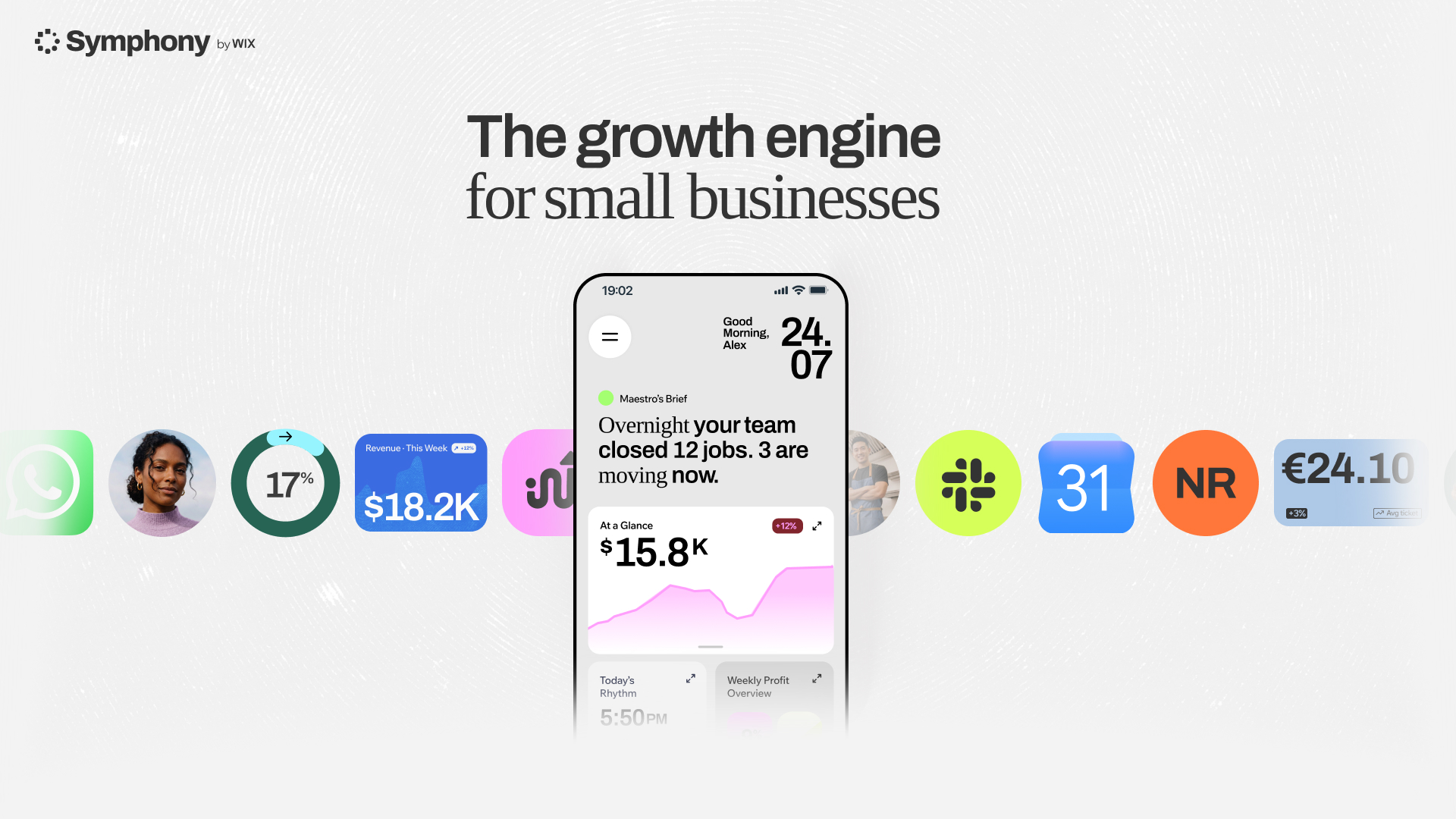
The practical distinction is coordination and control. Symphony’s agents share business context and can work with supported connected tools, while the owner reviews or approves important actions. Symphony is a standalone Wix product and does not require a Wix website, although it does require a Wix account. Confirm the exact operations and permission scope of every connection before using production data.
Parallel remains relevant for teams evaluating its documented sales, marketing, support and agency workflows. Symphony is the stronger comparison candidate when the buying question is whether one Maestro-led team can coordinate work across business functions on an ongoing basis. Run both on the same bounded workflow and compare setup effort, approval behavior, correction rate, connected-tool coverage and credit consumption. For continuing use rather than a single pilot, Pro and Max provide the added credit and agent-activity headroom, with an annual option if the team becomes a permanent part of how the business runs.
Get your own AI team with Symphony by Wix.
Pricing and Separate Credit Pools
The following is a September 29, 2026 snapshot of the official pricing page, not a fixed quote for your workload.
| Option | Published monthly price | Allocation / scope |
|---|---|---|
| Pay As You Go | $0 monthly fee | 50 initial credits; paid usage beyond that is not unlimited free access |
| Entrepreneur | $99 | 2,000 monthly credits, two companies, branded white-label instance |
| Business | $297 | 9,000 monthly credits, ten companies, priority support |
| Enterprise | Custom | Confirm scope and commercial terms with sales |
Lead generation and enrichment use separate data credits. The page lists 500 data credits for $25 and 1,000 for $45. Monthly plan credits reset; separately purchased data credits are described as non-expiring. Do not merge those allowances into one number.
Additional seats are listed at $15/month, additional companies at $20/month, and an additional white-label instance at $50/month. Confirm annual-billing conditions separately. Avoid budgeting from the subscription alone: total cost includes the selected plan, top-ups, data, added seats and any channel infrastructure your setup requires.
The pricing page contains broad access statements alongside tier-specific limits. Obtain confirmation for a feature that is essential to your purchase rather than interpreting a general headline as an entitlement.
White-Label and Agency Use
The white-label documentation describes rebranding the platform for client services. That can be commercially relevant, but rebranding does not transfer responsibility for safe workflows away from the agency.
Ask about client isolation, access to conversation histories, billing ownership, export options and offboarding. Establish who responds when a client’s agent sends an incorrect message. Check whether one client’s knowledge can ever enter another client’s workspace.
The platform training library covers setup areas including companies, inboxes, sequences and agents. Use it to map the onboarding effort. Do not infer that a training video proves the system is production-ready for your customer data.
What to Test in a Pilot
Use this acceptance checklist before expanding access:
- Input quality: Can the agent distinguish approved facts from missing information?
- Approval: Can an owner inspect and stop an external action before it happens?
- Handoff: Does a person receive enough context to continue the conversation?
- Failure: What happens after an integration timeout or invalid credential?
- Cost: Can you trace credits consumed by the exact workflow?
- Exit: Can you export records and revoke access without losing essential history?
Record usable contacts, qualified conversations, complaints and human review effort. For content, record factual corrections and editing time. For support, record incorrect answers and successful escalations. Set pass criteria before seeing the results.
When a Specialist May Be Better
A specialist outreach product may be better when the team already has reliable CRM, support and content systems and only needs one well-defined sending workflow. A support-focused platform may be better when ticket handling and escalation are the central requirements. A general assistant may be sufficient when no external actions need automation.
Our research-based verdict: Evaluate Parallel for connected business workflows, not as a proven replacement for staff or a guaranteed source of meetings. Its breadth is the reason to investigate it and the reason to keep the first pilot small.
Evaluate Parallel AI for coordinated small-business agent workflows
If the small business’s need is broader than sales, marketing or support agents working in isolation, coordinated parallel agents under one context — the model Symphony builds around Maestro — is worth comparing directly against a single-category tool. Pro and Max scale the credits and agent activity for that kind of ongoing, cross-function work, with a yearly plan if the team keeps running past the first pilot.
See what a coordinated Symphony team can add to ongoing small-business work.
FAQ
Is this a hands-on Parallel AI review?
No. It is a product-selection guide based on official documentation. We have not measured campaign performance, support accuracy or production reliability.
Is Parallel AI free?
The pricing page lists a pay-as-you-go option without a monthly fee and 50 initial credits. That is not unlimited free prospecting or agent usage.
Are lead credits included in monthly platform credits?
The vendor describes lead data as a separate credit pool. Confirm both pools when calculating the cost of an outbound workflow.
Can an agency white-label it?
White-label functionality is documented. Verify client isolation, billing, feature entitlements and offboarding before selling a managed service.
Should a business replace its SDR or support team immediately?
No. Run a controlled pilot, preserve human approval and escalation, and expand only when the workflow meets predetermined quality and cost criteria.